5 Ways to Encourage Guests to Share Their Photos (And Actually Get Them All)
You've got 100 guests. You know they're all taking photos on their phones. But where do those photos go? Usually: nowhere. They stay on personal devices, never to be seen by you. What if there was a way to unlock all of those photos, without being that person who sends numerous follow-up emails asking everyone to email you their shots?
The gap between "photos taken" and "photos you actually have" is real. Your guests captured moments from angles you'll never see: the candid laughs, the reactions, the energy only someone living in the moment can catch. But without a clear, frictionless way to collect those photos, most of them disappear.
This isn't about guilt-tripping your guests into compliance. It's about making participation so easy and fun that sharing photos becomes the path of least resistance. In this guide, we'll walk through five proven tactics that encourage maximum photo participation, and actually get you the memories your guests are already capturing.
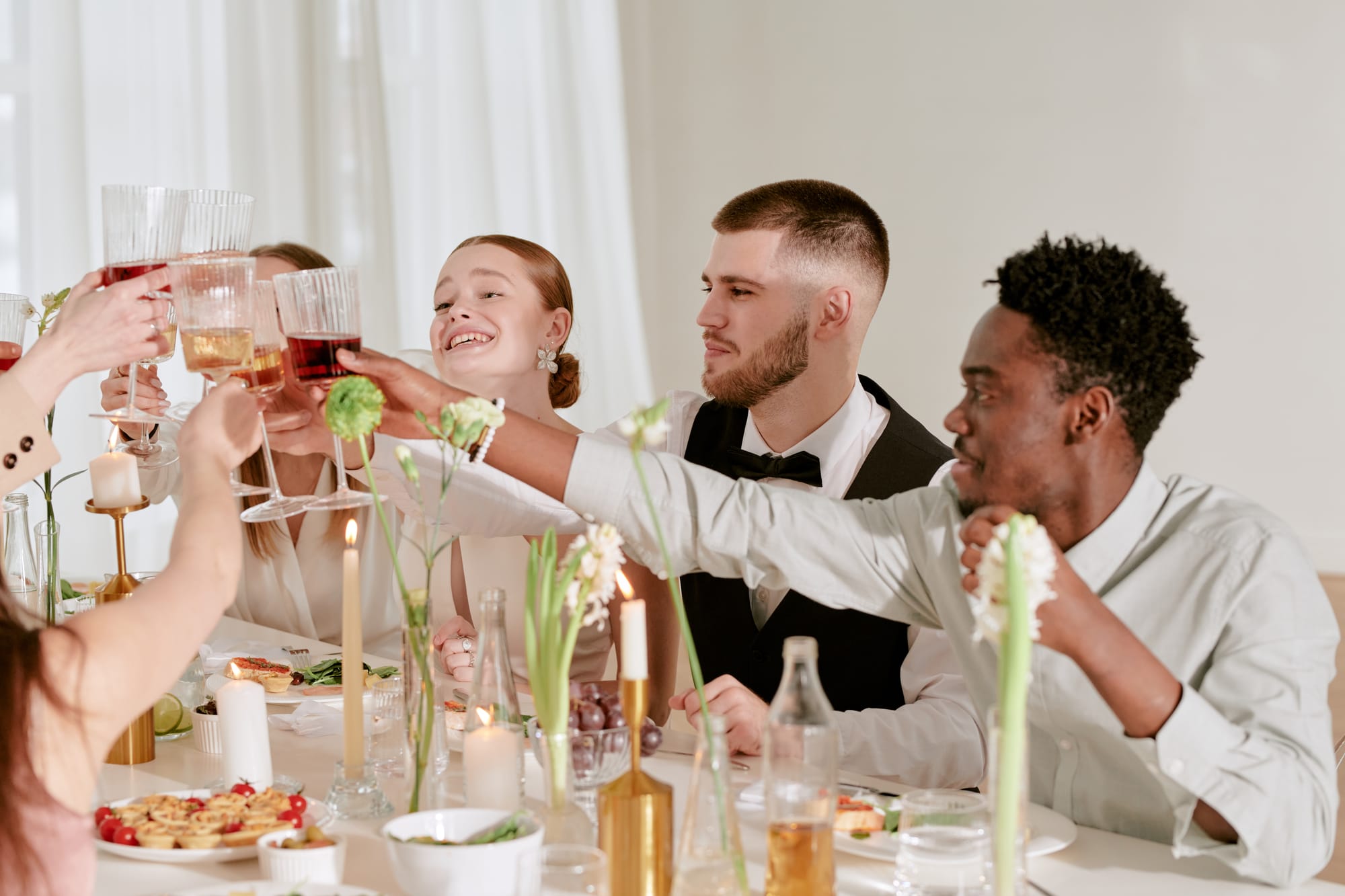
1. Make It Dead Simple
The biggest barrier to guest photo participation is complexity. The moment you ask someone to download an app, create an account, or set anything up, you lose 40% of guests.
What works: Give them one instruction: "Text your photos to 555-555-5555."
No app. No "allow camera access" popup. No password. Just texting, a behavior everyone knows.
How to execute:
- Print signs with the number prominently displayed
- Mention it in your ceremony program or invitation
- Introduce it verbally during the reception
- Send reminder texts 1–2 hours before the event
- Make your signage impossible to miss
At Jessica and Tom's wedding, signage was at the ceremony entrance, cocktail hour, and dance floor. Over 85% of guests participated.
2. Create Visible Social Proof: Display Photos Live
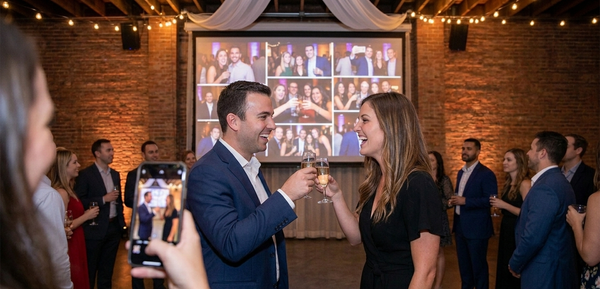
Guests will send more photos if they see their images appearing on a display screen in real-time. It's social proof in action: when Sarah sees her photo on the big screen, she tells her husband. When Tom sees his moment displayed, he tells a friend. Momentum builds.
How to execute:
- Display photos live as they come in (projector or large screen)
- Position display where guests naturally see it
- Announcement: "Your photos are showing up on the big screen in real-time!"
- Share the gallery link afterward (email, text, social media)
Technical setup: Connect a laptop to your projector and open the gallery URL. Most platforms make this plug-and-play.
3. Use Strategic Signage
Boring signage doesn't work. "Text your photos here" gets ignored. Eye-catching, benefit-focused signage? That works.
What Good Signage Includes:
- The phone number (huge, easy to read)
- Benefit statement: "Your photos on the big screen in real-time"
- Visual element (QR code, icon, emoji)
- Placement: Ceremony entrance, bar, cocktail area, dance floor
Signage Examples:
- "📸 Send your photos to [NUMBER]: watch them appear on the big screen!"
- "See your moment? Text [NUMBER]"
- "Every guest's perspective matters. Text [NUMBER]"
- "Candid moments wanted. No app needed."
Real-World Data: Events with visible signage see 2–3x higher participation than relying on verbal announcements alone. We have pre-designed signs ready for you to print with your unique number already included.
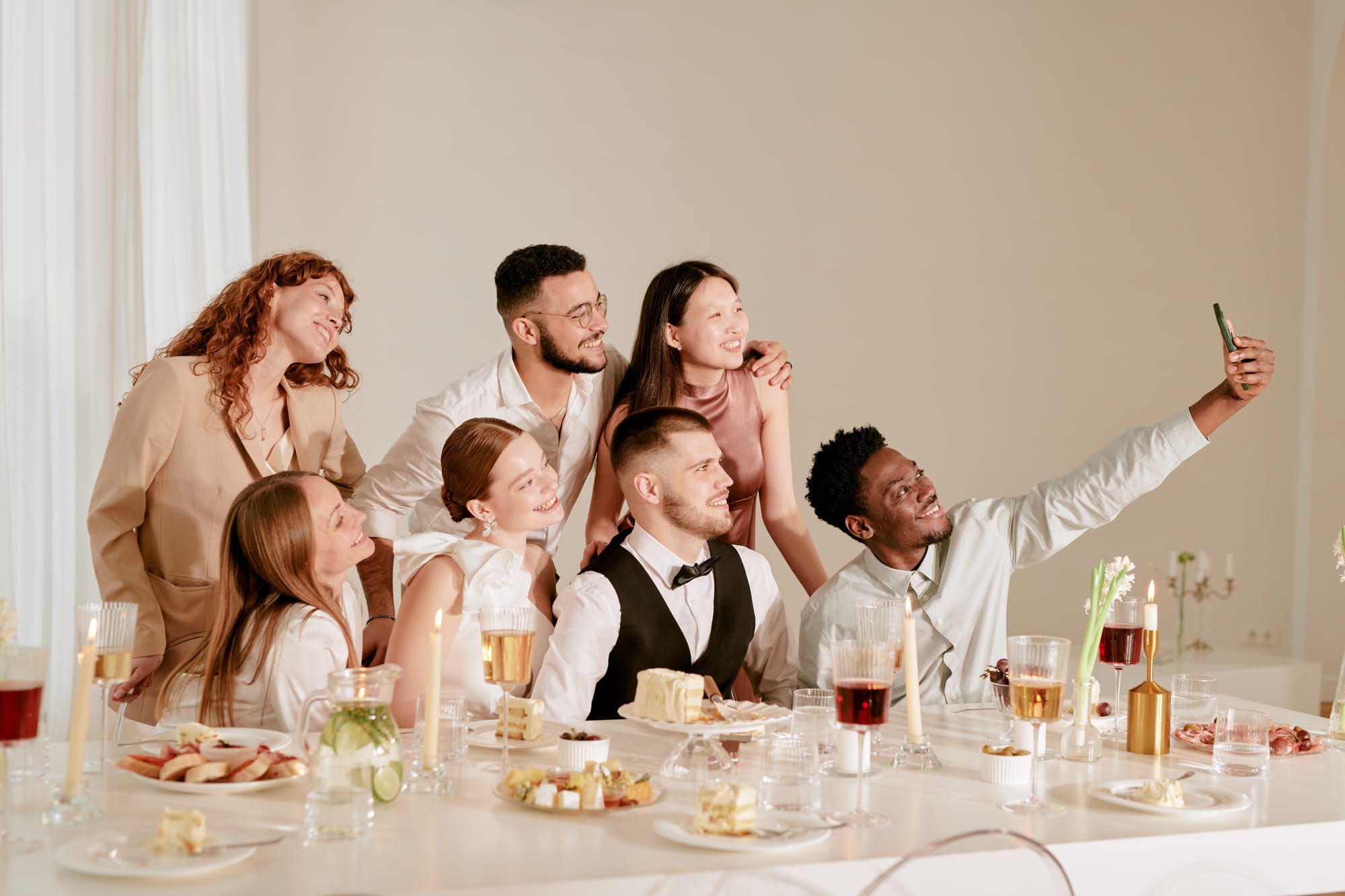
4. Encourage Photo-Worthy Moments
Create specific moments throughout your event and invite guests to capture them.
During the Event:
- "Cocktail hour: Capture the energy and send us your shots!"
- "First dance coming up, get your angles!"
- "Cake cutting, everyone grab your phone!"
- "Last dance, send those final moments!"
Why it works: When someone says "this moment is happening, capture it," participation jumps. It's invitation, not pressure.
5. Remove the "Ask" by Making It the Default Path
Here's a subtle psychological shift that changes everything: Instead of asking guests to send photos, make photo-sharing the assumed behavior.
The power of reframing:
❌ "Would anyone like to text their photos to us?"
✅ "Send your photos to [NUMBER]. They'll show up on the screen in real-time!"
❌ "If you feel comfortable sharing, we'd love photos..."
✅ "Text your best moment. Our gallery starts right now."
The second phrasing assumes participation. It's not optional; it's the thing you do at this event. Most people will follow the presumed social norm.
How to embed this into your event narrative:
- In your invitation: "Send your favorite moments to [NUMBER] during the celebration"
- In your program: "[NUMBER]: Send us your perspective"
- From the ceremony: "Later tonight, text us your candid photos"
- From the MC: "The photo stream is live, send your best shots as they happen"
- In a thank-you note: "Thanks for those amazing photos you texted during the reception!"
The subtle magic: When guests feel like texting photos is the expected, normal thing (not a special request), compliance jumps dramatically.
Bonus: Create a Photo Challenge (Optional, High-Impact)
For the guests who need extra incentive or love competition:
Idea: Offer a subtle prize for participation or the "best candid moment."
"Send us your photos during the reception. The three best candid shots get featured in our thank-you cards!"
This works especially well for:
- Bachelor/bachelorette parties
- Corporate events
- Birthday parties
- College/Greek life events
It doesn't have to be an expensive prize. The recognition itself is the reward. Knowing their photo made the cut? That's powerful.
Real-World Success Metrics
When events implement these five tactics together, what happens?
- Photo participation rate: 60–85% of guests send at least one photo
- Total photo volume: 250–450+ photos for a wedding of 100 guests
- Guest engagement: Visible increase in people watching the live stream and talking about photos during the event
- Lasting value: A comprehensive gallery that captures moments the main photographer physically couldn't be present for
Compare that to relying on social media or follow-up email requests:
- Email follow-ups typically yield 10–20% response rate
- Social media posts get likes but not downloads
- Passive approaches leave you with 30–50 photos total
The difference: Friction. These tactics remove it entirely.
Common Objections (And How to Handle Them)
"Won't people just be on their phones the whole time instead of enjoying the party?"
No. Texting a photo takes five seconds. Scrolling through social media takes and adding hashtags takes much longer. When photo-sharing is this frictionless, guests send one or two shots and go back to living the moment. Plus, they're more present because they're actively observing (looking for good photo moments) rather than passively standing around.
"What if my guests aren't tech-savvy?"
Everyone knows how to text. If they can text "Happy Birthday," they can text a photo. And the beauty of this approach is that it doesn't require downloads or accounts, the two biggest barriers to older guests.
"Won't I end up with a bunch of blurry photos?"
Probably some. But here's the thing: a slightly blurry photo from your 70-year-old aunt showing genuine laughter is more valuable than a technically perfect photo no one else would ever have. Most photos won't be blurry anyway, your guests know how to use their phone cameras.
Your guests are already taking photos. The gap between "photos taken" and "photos you actually have" is just friction. Remove it.
Start with these five tactics at your next event: frictionless texting, visible signage, real-time displays, specific photo moments, and the presumption of participation. Watch what happens when capturing memories becomes as easy as living the moment.
Ready to collect photos from every guest? Set up your photo collection system before your event and let your guests do what they're already doing: taking pictures. Just make sure you actually get them.